Running autonomous AI agents locally on consumer hardware used to feel like a compromise. Cloud APIs like Claude 3.5 Sonnet and GPT-4o make tool-calling look effortless—you hand over a schema, and they reliably emit pristine JSON function arguments. But relying entirely on third-party APIs introduces rate limits, recurring token costs, and privacy boundaries you might not want to cross when passing internal scripts, local files, or personal databases.
With Ollama and the latest generation of open-weights models like qwen3:8b and Llama 3.2, running agentic workflows entirely on your local machine is now practical.
However, running agents with 7B or 8B parameter models requires a different engineering mindset. Small models don't behave like cloud juggernauts: they hallucinate arguments, pass stringified objects, or fail under complex JSON schemas.
Here is how to build a reliable local agent execution loop in Python, along with the hard-learned lessons for making small models behave defensively.
The Local Agent Loop Architecture
At its core, an agentic workflow is just a state machine running in a while loop. You pass a system prompt, a conversation history, and an array of JSON schema tool definitions to Ollama.
Instead of generating text for the user, the model can choose to pause and request one or more tool calls. Your execution environment intercepts those requests, runs the actual Python functions locally, appends the output back into the message history, and asks the model what to do next.
       [ User Prompt ]
              │
              ▼
    ┌───────────────────┐
    │   Ollama Chat     │ ◄──────────────────────────┐
    │  (qwen3:8b)   │                            │
    └───────────────────┘                            │
              │                                      │
       Tool Calls Requested?                         │
         /         \                                 │
       YES          NO                               │
       /             \                               │
      ▼               ▼                              │
┌──────────────┐   [ Final Answer ]                  │
│ Local Tool   │                                     │
│ Execution    │ ────────────────────────────────────┘
└──────────────┘         Tool Results (JSON)
Step-by-Step Implementation
Let's build a clean, dependency-free agent in Python using the official ollama library. This agent will inspect system diagnostics (CPU, memory, active services) on command.
1. Define Local Functions and JSON Schemas
First, define the actual Python functions you want the model to run, alongside their JSON schema definitions.
import json
import ollama

# --- 1. Executable Python Functions ---
def get_system_load() -> str:
    """Simulates fetching current system CPU and memory load."""
    return json.dumps({
        "cpu_usage_pct": 14.2,
        "memory_available_gb": 8.5,
        "status": "healthy"
    })

def check_service_status(service_name: str) -> str:
    """Checks whether a specific system daemon or service is active."""
    active_services = ["nginx", "ollama", "docker"]
    is_running = service_name.lower().strip() in active_services
    return json.dumps({
        "service": service_name,
        "status": "running" if is_running else "stopped"
    })

# Map string tool names directly to their Python callables
TOOL_MAP = {
    "get_system_load": get_system_load,
    "check_service_status": check_service_status,
}

# --- 2. JSON Schemas for Ollama ---
tools = [
    {
        "type": "function",
        "function": {
            "name": "get_system_load",
            "description": "Fetch current server CPU utilization and available memory.",
            "parameters": {
                "type": "object",
                "properties": {},
            },
        },
    },
    {
        "type": "function",
        "function": {
            "name": "check_service_status",
            "description": "Check if a specific system service daemon is currently running.",
            "parameters": {
                "type": "object",
                "properties": {
                    "service_name": {
                        "type": "string",
                        "description": "The exact service name (e.g., nginx, postgres, ollama)",
                    }
                },
                "required": ["service_name"],
            },
        },
    },
]
2. The Execution Loop
Next, write the runner loop. Notice how we handle messages with the tool role—this informs the model of function execution outputs.
def run_local_agent(user_prompt: str, model="qwen3:8b"):
    messages = [{"role": "user", "content": user_prompt}]
    print(f"User Prompt: {user_prompt}\n" + "="*50)

    while True:
        # Request completion from local Ollama instance
        response = ollama.chat(
            model=model,
            messages=messages,
            tools=tools,
        )

        message = response["message"]
        messages.append(message)

        # If no tool calls were emitted, the model has its final answer
        if not message.get("tool_calls"):
            print(f"\nAgent Answer:\n{message['content']}\n")
            break

        # Process tool calls requested by the model
        for tool_call in message["tool_calls"]:
            fn_name = tool_call["function"]["name"]
            fn_args = tool_call["function"]["arguments"]

            print(f"--> [Tool Request] {fn_name}(args={fn_args})")

            if fn_name in TOOL_MAP:
                try:
                    # Defensive handling for zero-argument or malformed inputs
                    if isinstance(fn_args, str):
                        fn_args = json.loads(fn_args) if fn_args else {}

                    result = TOOL_MAP[fn_name](**fn_args) if fn_args else TOOL_MAP[fn_name]()
                except Exception as e:
                    result = json.dumps({"error": f"Execution failed: {str(e)}"})

                print(f"    [Tool Output]  {result}")

                # Feed execution result back to the model as a tool role
                messages.append({
                    "role": "tool",
                    "content": result,
                })
            else:
                messages.append({
                    "role": "tool",
                    "content": json.dumps({"error": f"Tool '{fn_name}' does not exist."}),
                })

if __name__ == "__main__":
    run_local_agent("Is nginx running, and how is our memory looking right now?")
Making Small Models Reliable: Hard-Learned Lessons
When you switch from cloud APIs to local 7B or 8B parameter models, you'll encounter a few friction points. Here is how to keep your execution loop stable:
1. Model Choice Matters Immensely
Not all open models handle function calling equally:
- qwen3 (8B / 27B): Currently one of the most reliable open-weights families for strict JSON output and multi-step tool calls.
- Llama 3.2 (3B / 11B): Excellent for lightweight local agents on laptops with limited VRAM.
- Llama 3.1 (8B): Capable, but occasionally prints tool calls as raw markdown text rather than structured tool call objects unless prompted aggressively.
2. Defend Against Schema Edge Cases
Small models frequently emit edge-case arguments:
- Passing a stringified dictionary (
"{'service_name': 'nginx'}") instead of a parsed JSON object. - Passing
Noneor an empty string for zero-argument functions.
Always wrap TOOL_MAP invocation with explicit type checks and json.loads() fallback logic (as shown in the Python script above).
3. Embrace the Self-Correction Loop
If a tool call fails due to invalid parameters or a runtime exception, do not crash the loop. Pass the exception trace back to the model as a tool response:
{
  "error": "TypeError: check_service_status() missing 1 required positional argument: 'service_name'"
}
Small open models are surprisingly good at reading their own stack traces and issuing a corrected tool call on the subsequent turn.
What's Next?
Running agentic workflows locally gives you full ownership over your tools, privacy, and infrastructure costs. Once you have a basic execution loop running, you can connect your agent to local file systems, SQLite databases, or external APIs.
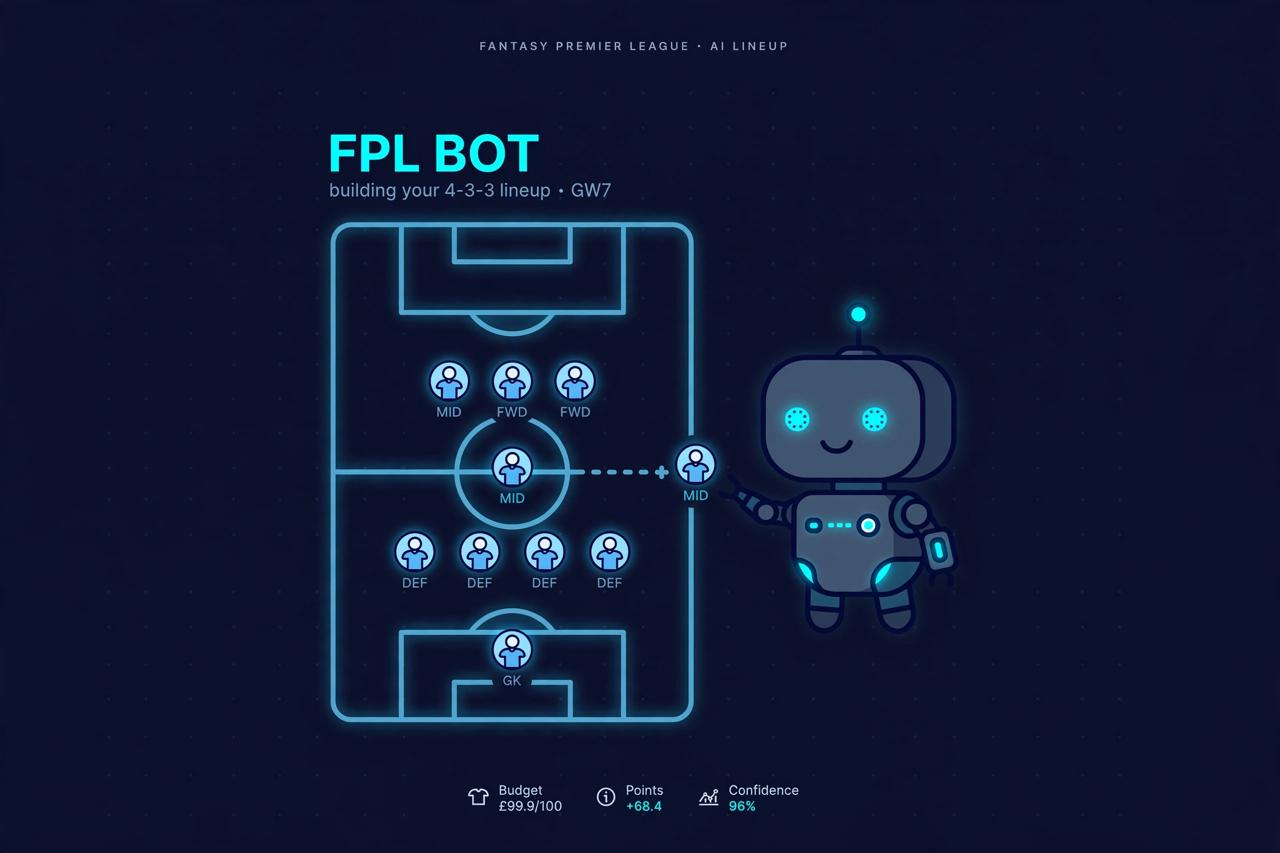
In the next post, we will take this exact local architecture and apply it to a practical domain: building an autonomous Fantasy Premier League (FPL) bot with Ollama that fetches underlying player statistics and plans weekly transfer strategies.